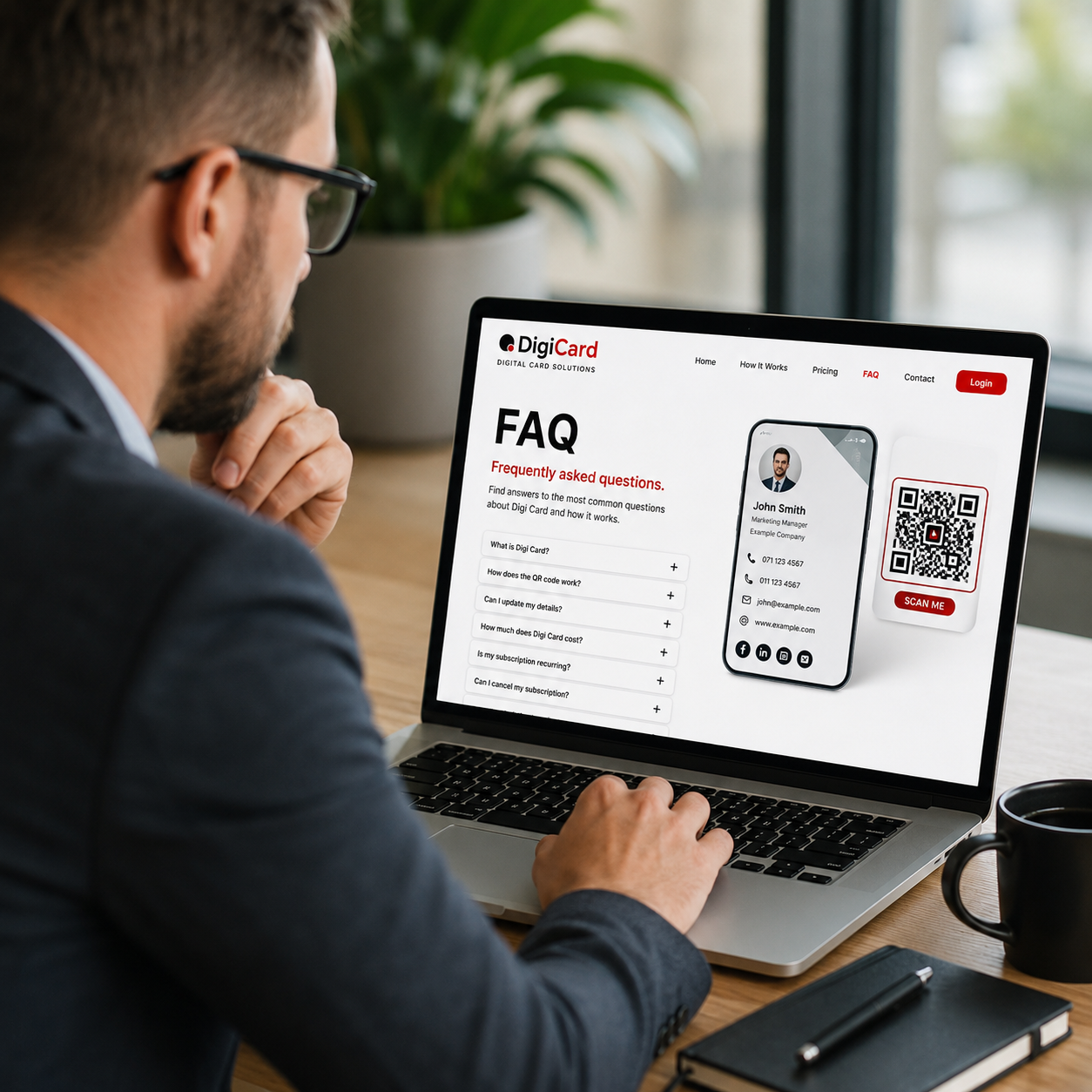
FAQ
Frequently asked questions about Digi Card.
Find quick answers about how Digi Card works, what is included, how the QR code is used and how your subscription is managed.
CLEAR ANSWERS
Everything you need to know before creating your Digi Card.
Digi Card is designed to make sharing business details simple. The questions below cover the most common items around setup, QR codes, profile details, billing and ongoing access.
GENERAL QUESTIONS
Understanding Digi Card.
These answers explain what Digi Card is and who it is designed for.
What is Digi Card?
Digi Card is a digital business card solution that gives you a live online profile, a unique URL and a QR code that points directly to your card.
Who is Digi Card for?
Digi Card is suitable for anyone who would normally carry a business card, including business owners, sales teams, estate agents, freelancers, tradesmen and professionals.
Does Digi Card replace a printed business card?
It can replace a printed card, but it can also work with one. You can place your QR code on printed cards, flyers, brochures, email signatures, vehicles and other marketing material.
What information can my card display?
Your card can include your name, company, position, office number, mobile number, WhatsApp, email, website, social links, profile photo, logo and address.
SETUP AND SHARING
From signup to first scan.
How do I get my Digi Card?
You sign up, complete your profile details and choose either the monthly or annual subscription. Once payment is successful, your digital card profile can be created.
What does the QR code link to?
Your QR code links directly to your unique Digi Card URL, for example a card page on the Digi Card website that displays your business details.
Can I use my QR code on printed material?
Yes. Your QR code can be used on printed business cards, flyers, banners, stickers, signs, presentations and email signatures.
Will my card work on mobile phones?
Yes. The digital card is designed to be mobile-friendly so people can scan, open and use your details from their phone.
BILLING AND PROFILE MANAGEMENT
Simple subscriptions and easy updates.
How much does Digi Card cost?
Digi Card is available at R15 per month or R100 per year. Both options give you access to the same digital card features.
Is the payment recurring?
Yes. The monthly and annual options are intended as recurring subscriptions through PayFast, based on the plan you choose during checkout.
Can I update my details after signing up?
Yes. You can log in to your profile and update your details when your number, role, website, logo, address or other business information changes.
Can I cancel my subscription?
Yes. Your profile area will allow you to manage your account, update billing details and cancel your subscription.
What happens if my subscription payment fails?
Your Digi Card needs an active subscription to remain active. If a payment fails, you may need to update your billing details or restore the subscription to keep using the card.
Will I receive login details?
Yes. After successful payment and profile creation, you will receive access details so you can log in and manage your Digi Card profile.
STILL HAVE QUESTIONS?
We can help you choose the right option.
Contact Digi Card for help with pricing, setup, billing, QR codes or profile access.
Ready to create your Digi Card?
Choose your subscription and start sharing your business details with one simple scan.