
HOW IT WORKS
Create your Digi Card and share your details with one scan.
Digi Card gives you a simple way to create a live digital business card. Add your details, complete your subscription and start using your unique URL and QR code wherever people need to connect with you.
FROM FIRST CLICK TO FIRST SCAN
A simple process built around real business use.
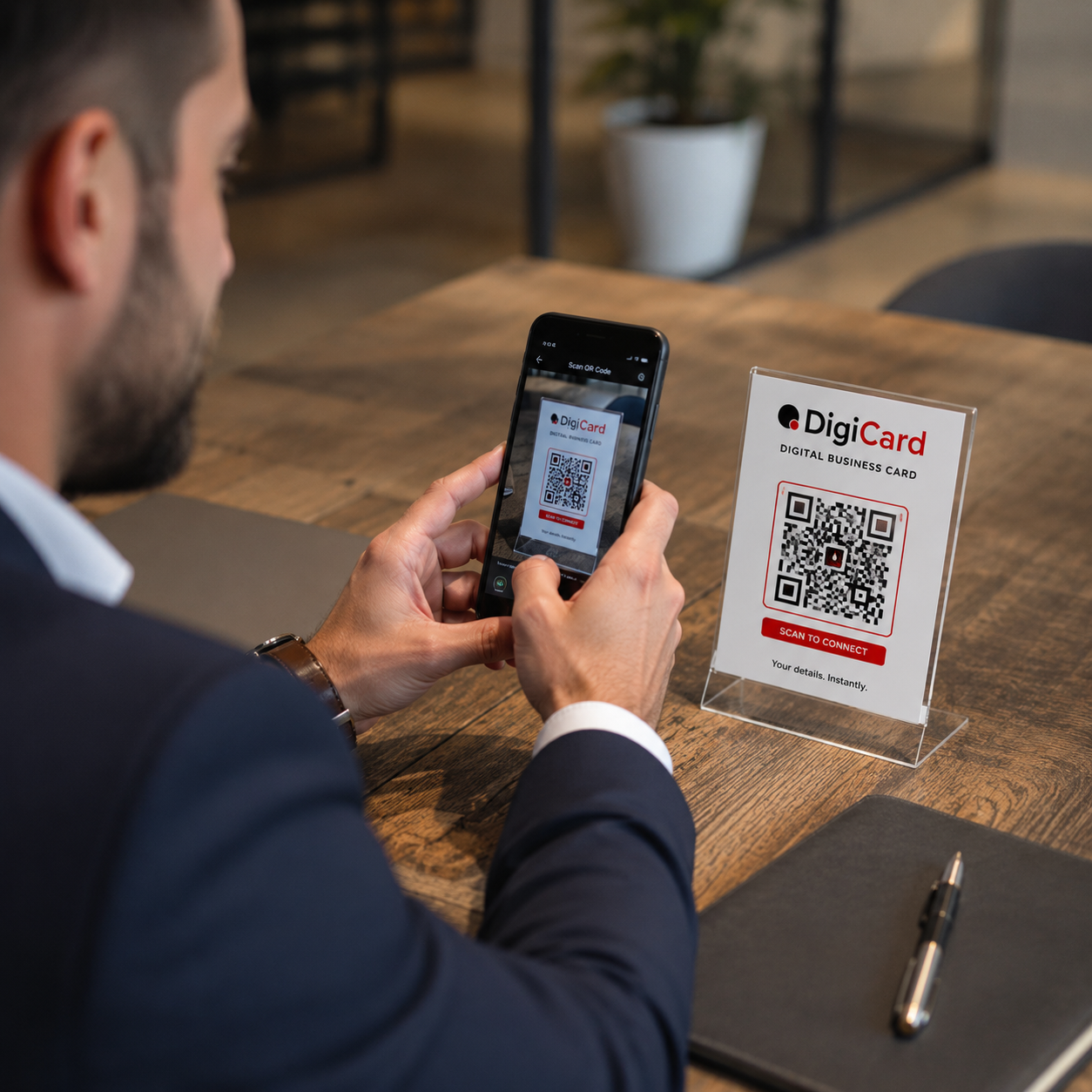
Once your payment is successful, your digital card profile is created and your details are displayed on a dedicated page. Your QR code points directly to that page, making it easy for people to open your card, contact you and save your details.
THE PROCESS
Four steps to a live digital business card.
The setup is designed to be quick and practical. You provide the details, choose your payment option and receive access to manage your profile.
01 Sign up
Create your account so your profile, billing and digital card can be linked to your login.
02 Add your details
Enter your name, company, position, office number, mobile number, WhatsApp, email, website, social links and address.
03 Complete payment
Choose the monthly or annual option and complete your secure PayFast checkout.
04 Share your card
Use your unique URL and QR code on your phone, printed material, email signature, social media or anywhere else.
AFTER PAYMENT
Your card becomes a live digital profile.
After the checkout is confirmed, your details are used to create a dedicated digital card page. You also receive the login details you need to manage your profile, update your billing information or cancel your subscription.

PROFILE MANAGEMENT
Update your details without reprinting a thing.
Your Digi Card is built for real businesses where details can change. If your phone number, role, logo, website, social links or address changes, you can update your profile and keep sharing the same QR code.
BUILT FOR CONTROL
A better business card for a changing business.
Built for mobile
Your digital card is designed for quick viewing from a phone, so people can contact you while they are still interested.
Made to stay current
The same link and QR code can keep working while your profile information is updated behind the scenes.
Easy account access
Use your profile area to manage your digital details, billing information and subscription preferences.
Ready to create your Digi Card?
Start with a digital card that is easy to share, simple to update and ready to use anywhere.